Dashboard
Your website pulls images and videos directly from server folders.
Drop photos into
images/ → shows in galleryDrop videos into
videos/ → shows in video sliderUpload
hero.jpg → homepage backgroundUpload
about.jpg → Our Story photo
📁 images/ — Any photo you upload here shows in the gallery automatically
📁 videos/ — Any video you upload here shows in the video slider automatically
🖼️ hero.jpg — Upload a file named hero.jpg to change the homepage background anytime
Page Images
Set the homepage background and the Our Story photo separately.
Upload Homepage Background
Landscape photo · min 1920×1080px recommended
Upload Our Story Photo
Portrait or square works best here
Packages
Manage photobooth packages, balloon packages, and add-ons shown on the website.
Event Types
These appear in the booking form dropdown. Add or remove as needed.
Services Menu
These appear in the "Services Interested In" dropdown on the booking form.
Service Images
Upload a replacement image for any service card. Images go in the services/ folder on the server.
services/photobooth.jpg · services/balloon.jpg · services/neon.jpg · services/floral.jpg · services/full-event.jpg

Click to replace

Click to replace

Click to replace

Click to replace
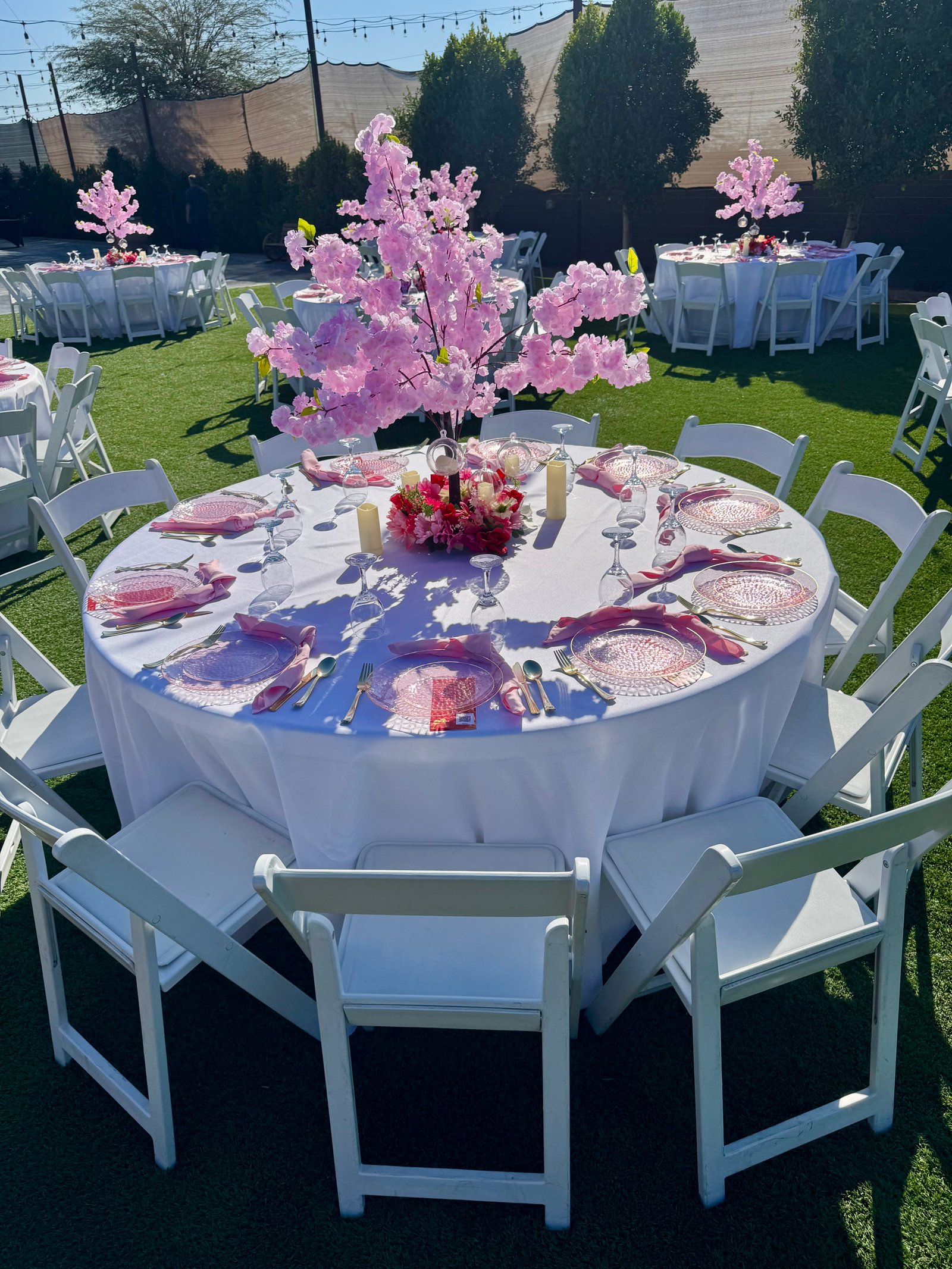
Click to replace
Service Galleries
Upload photos for each service. Visitors click a service card to browse these photos.
Click or drag photos here to upload
JPG, PNG, WEBP — multiple files OK
Edit Website Text
Change any text on the website. Click Save after editing.
Availability Calendar
Click any date to mark it as booked or available. Changes are saved to the server instantly.
Booked dates show on the public calendar as "Unavailable" and guests cannot submit the form with that date selected.
Block Date
Our Work Gallery
Upload or remove photos shown in the "Our Work" slider on the homepage. Photos are saved in the images/ folder.
Upload Photos
Select one or multiple images · JPG, PNG, WEBP
Videos
Upload or remove videos shown in the video slider on the homepage. Saved in the videos/ folder.
Upload Videos
MP4, MOV, WEBM · Select one or multiple files
Upload Photos
Select one or multiple images · JPG, PNG, WEBP
Settings
Saved to settings.json on the server.